MoonTerminal · Chart ·
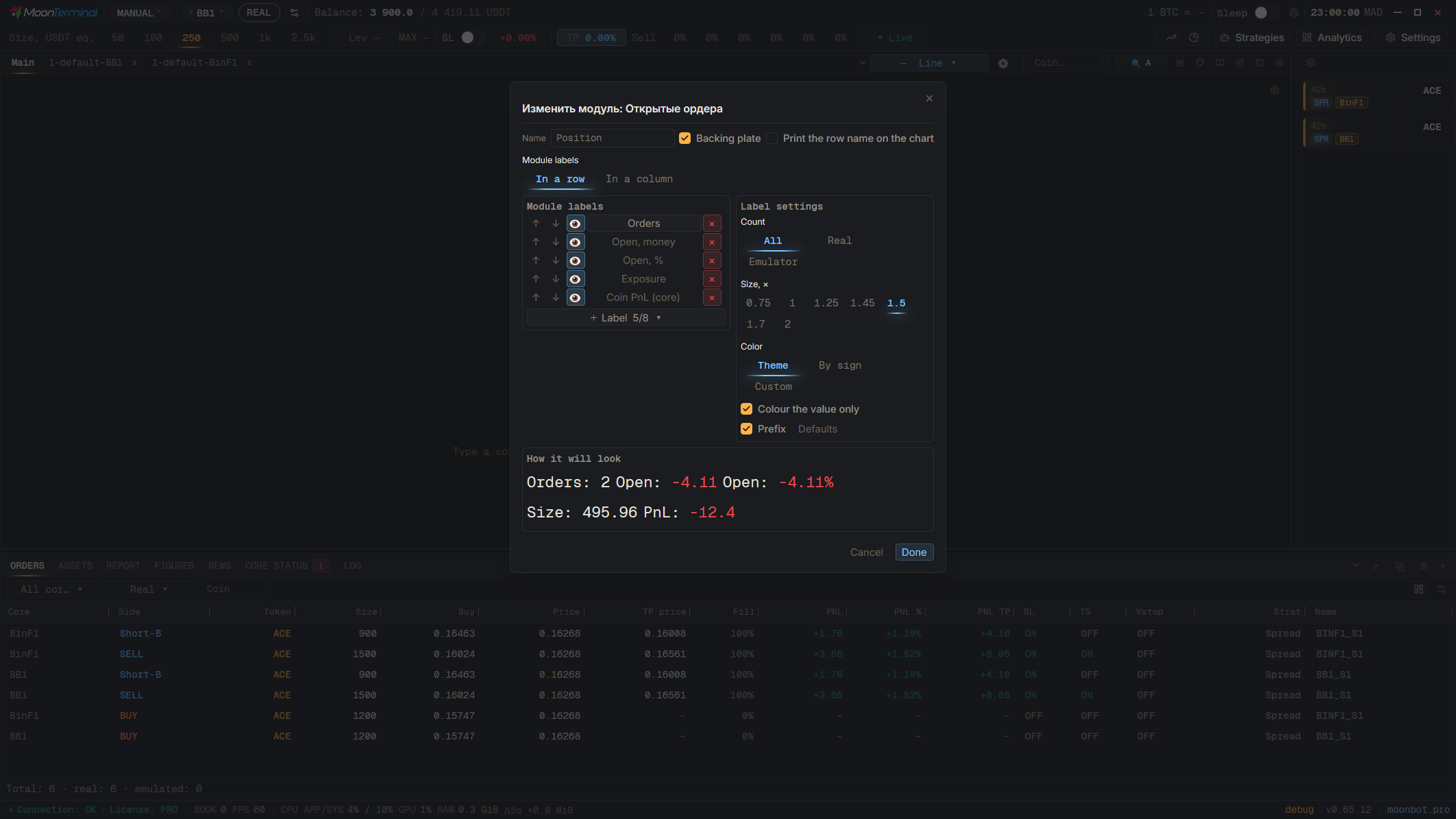
Open “Caption settings”, select the module (“Edit module”), and add the “24h volume” and “Volume over a window” captions from the “Volume” group via “+ Label”; for the second one, set “Period” to 1h. If the module is hidden, show it again with its eye button. A ready-made block with buys and sells over the period comes from “+ Module” → “Volumes”.
- Caption settings
- Edit module
- Add a field
- 24h volume — “Volume” group; for an hour, “Volume over a window” with period 1h