MoonTerminal · Chart ·
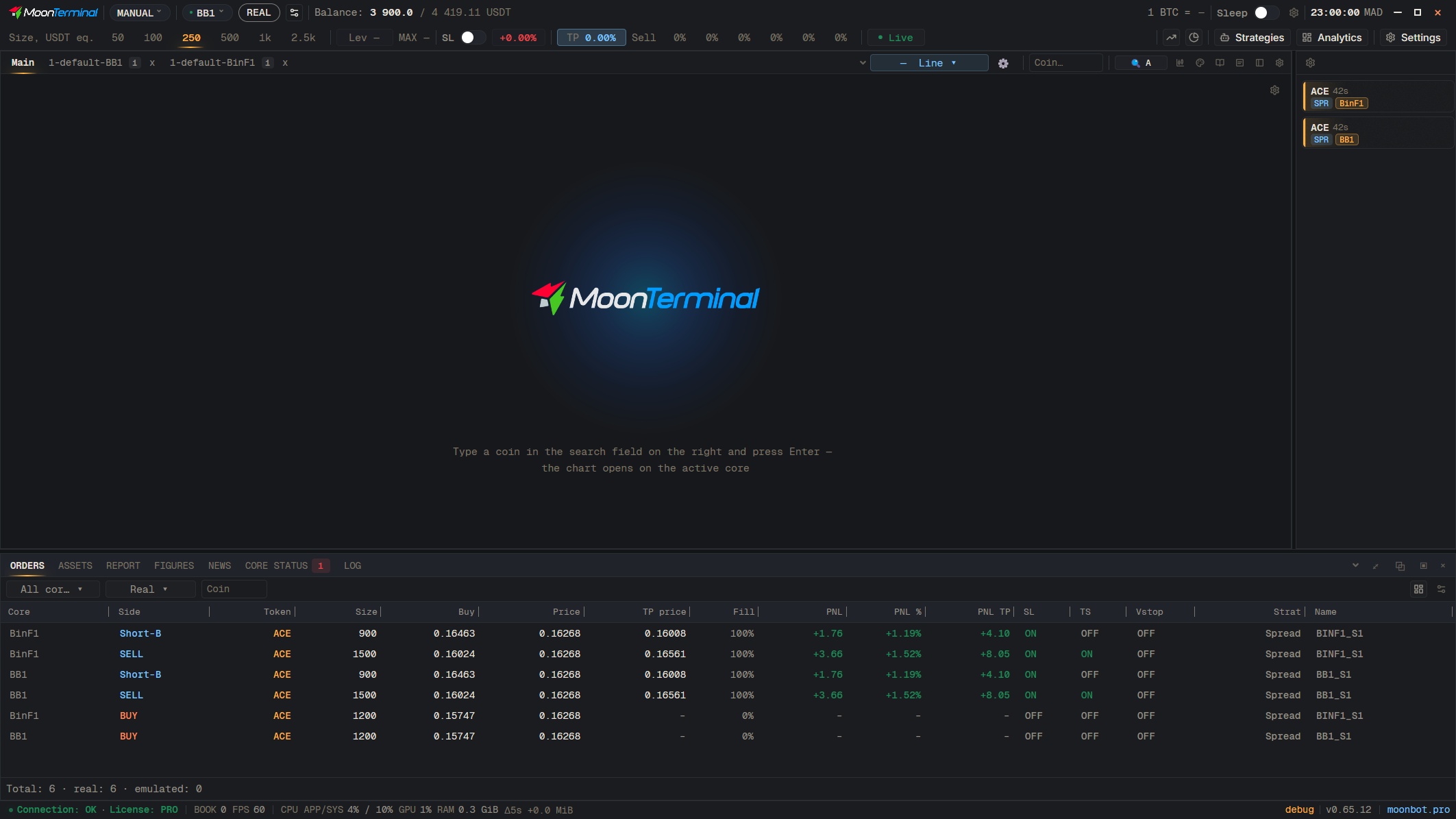
A chart you have shifted into history stays there until you drag it back to the right edge, press “Live” (or Space), or stop moving it for 3 minutes, after which it returns to Live by itself. If you set the chart to “Pause” with the button on the panel or with Space, there is no automatic return at all. How one chart's shift applies to the others is chosen in Settings → General, the “Live and Pause” row: “All charts together” or “Each chart on its own”.
- Live / Pause — Set “Pause” before you scroll back through history