MoonTerminal · Chart ·
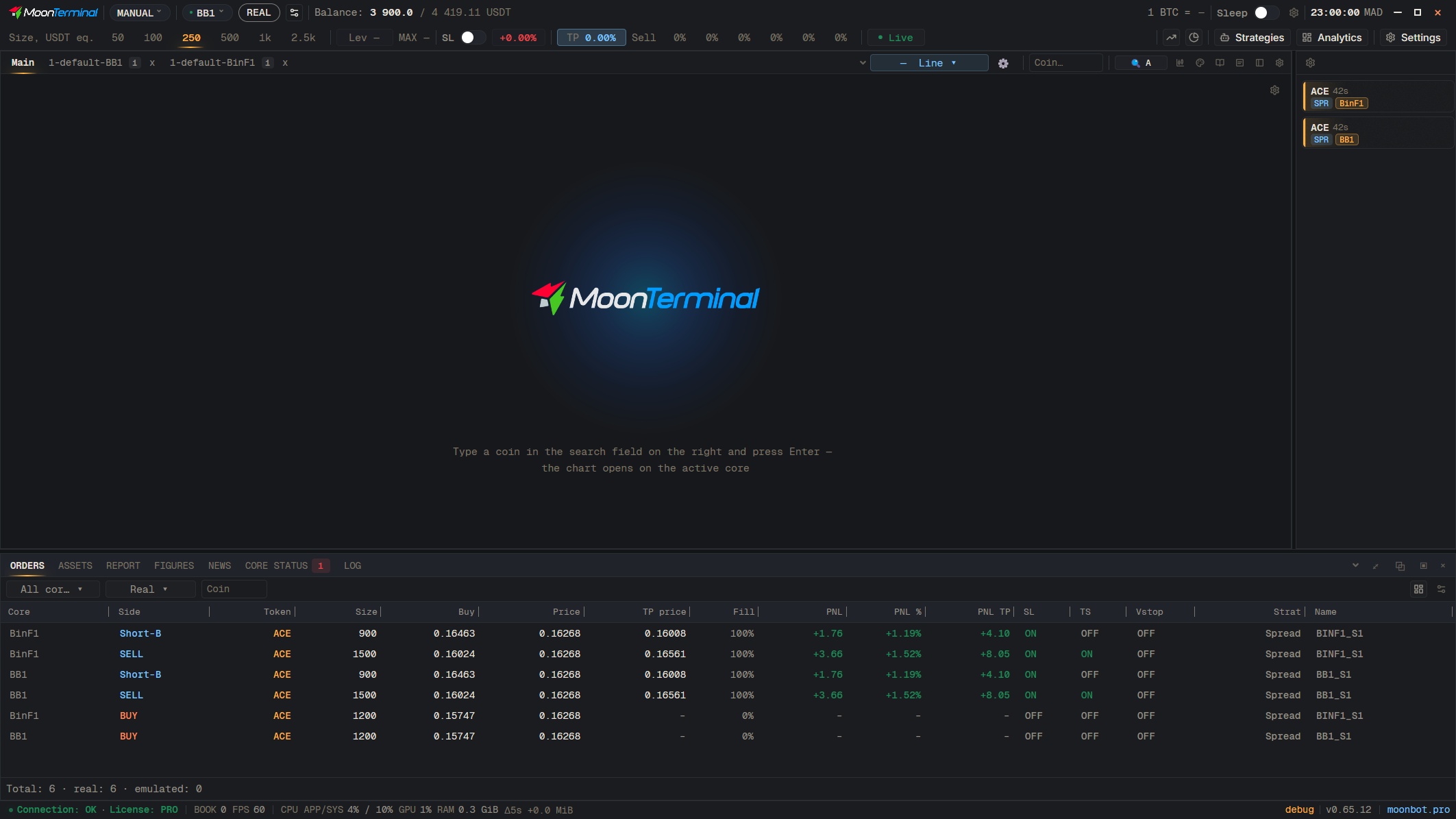
The settings buttons sit on the tab bar above the chart: “Candle settings”, “Graphics settings” (lines, trades, order book), “Trade history”, “Caption settings”, “Volumes” and “Layout settings”. The green and red rectangles are the rising and falling candles; their colours are set in Settings → Theme and colors.
- Candle settings
- Graphics settings — Lines, trades, order book
- Trade history
- Caption settings
- Volumes
- Layout settings