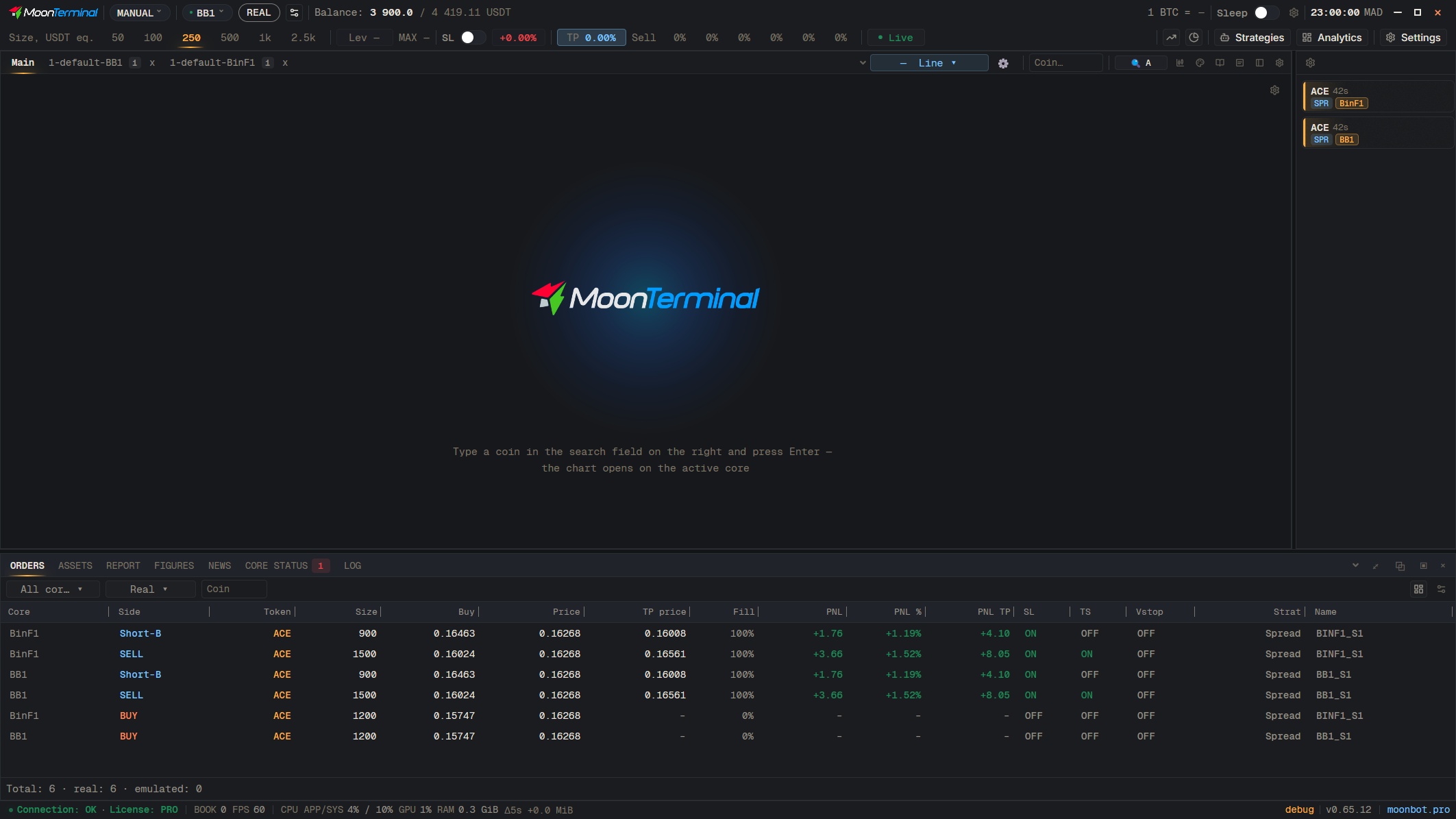
MoonTerminal · Chart ·
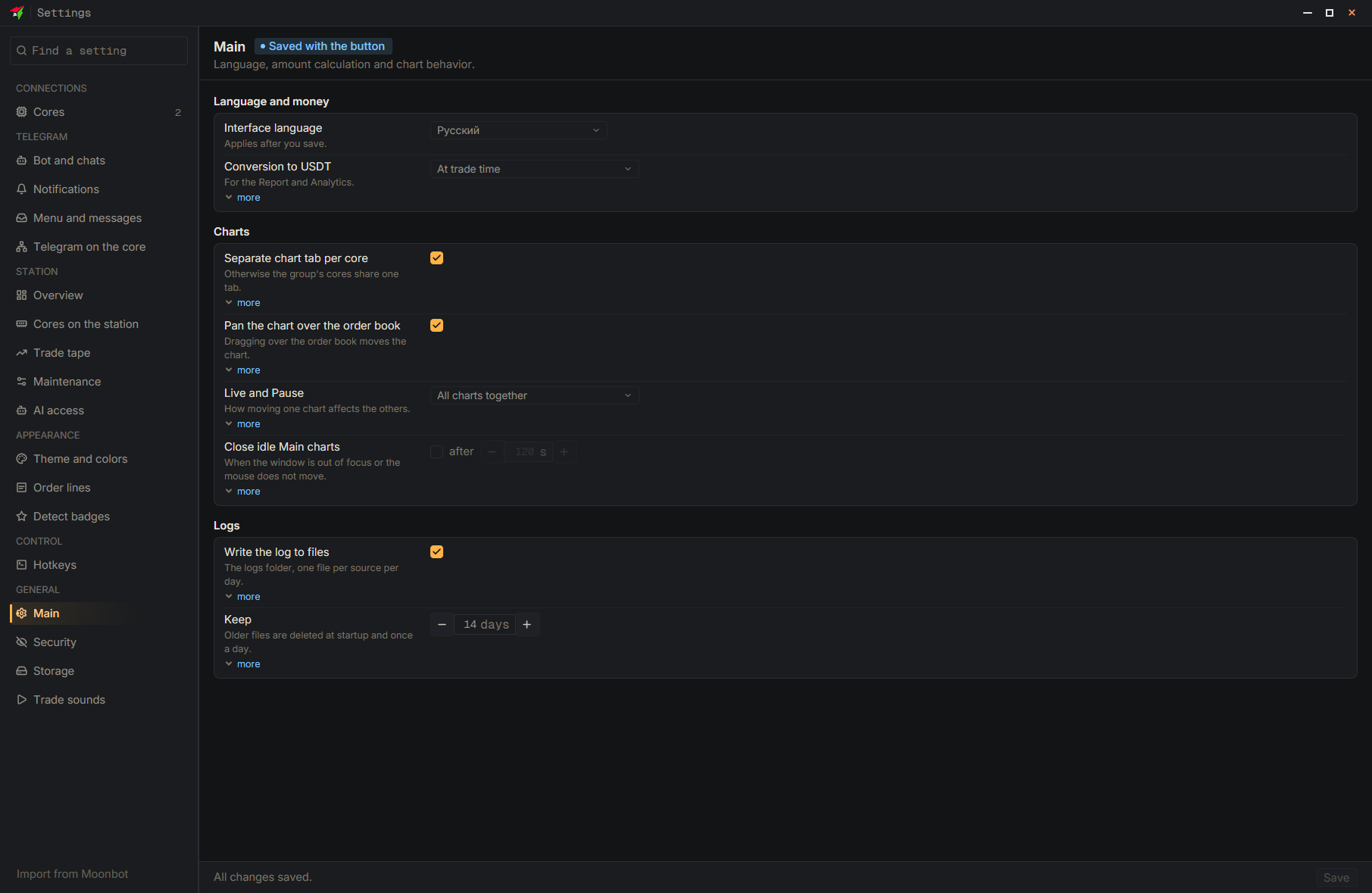
In Settings → General, switch on “Close inactive Main charts” and set “after” a number of seconds (from 5 to 3600): the chart closes if its window is not in focus or the mouse is not moving. The lifetime of AddToChart charts is set in the strategy with the “How long it stays on the chart” field (seconds; 0 means until you close it yourself).
- Settings
- Main
- Close idle Main charts — Tick the box
- after — Set the seconds
- Save — At the bottom of the settings window