MoonTerminal · Chart ·
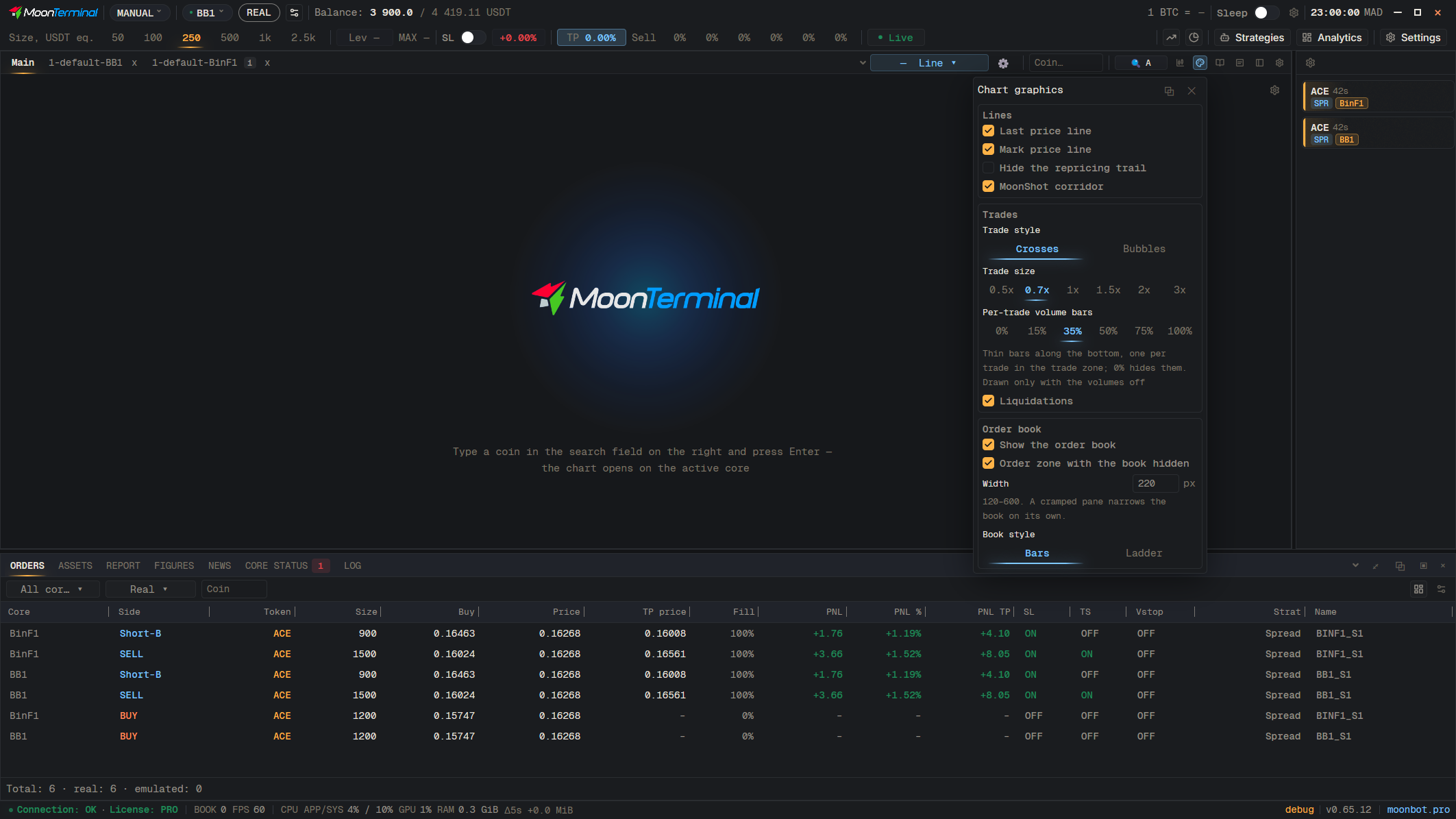
In “Graphics settings”, the “Lines” block: switch on “Hide the repricing trail”, and both the steps sent by the core and the ones assembled by the terminal disappear. The setting applies to the tab; you can hand it to the other tabs with the “Apply to all” button. The colour, width, dash style and opacity of the trail are in Settings → Order lines, the “Repricing trail (path / snake)” section. The stop repricing segment is always drawn.
- Graphics settings
- Hide the repricing trail — The “Lines” block