MoonTerminal · Chart ·
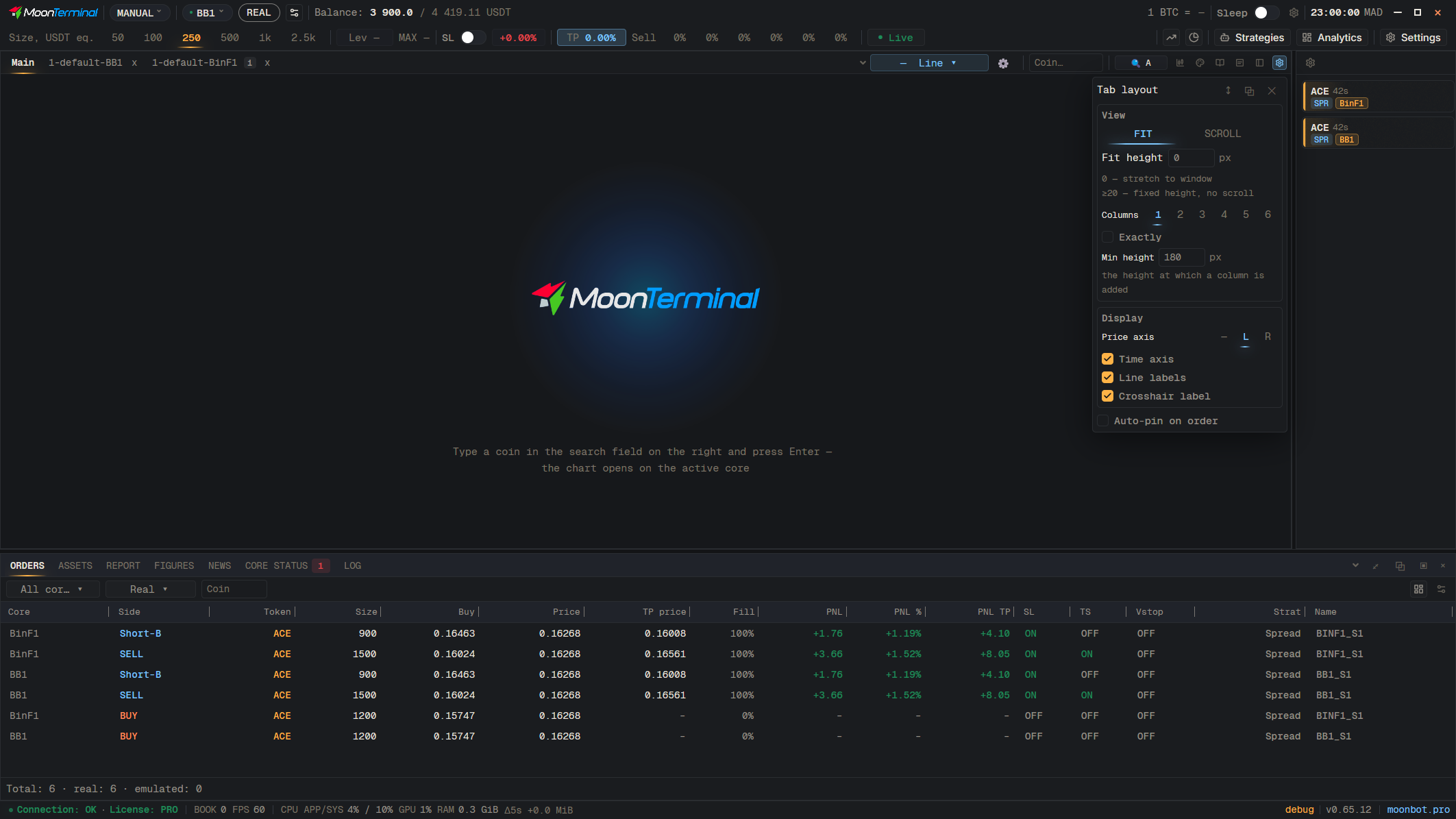
The lock appears when the charts of a tab stand in a row (the “↔” button in “Layout settings”). It makes its chart the leader: the others adjust to its price range, and clicking the leading chart again ends the comparison. The broom leaves only the order books on the other charts; clicking it again brings the quotes back. The blacklist lock is a different button, the “Temporary ban button” in the chart captions.
- Layout settings
- Orientation: vertical / horizontal — Set “↔” and the charts will line up in a row
- Lock and broom in the corner of the chart — Hints: “Comparison: make this chart the leader by price”, “Leave only the order books on the other charts”