MoonTerminal · Chart ·
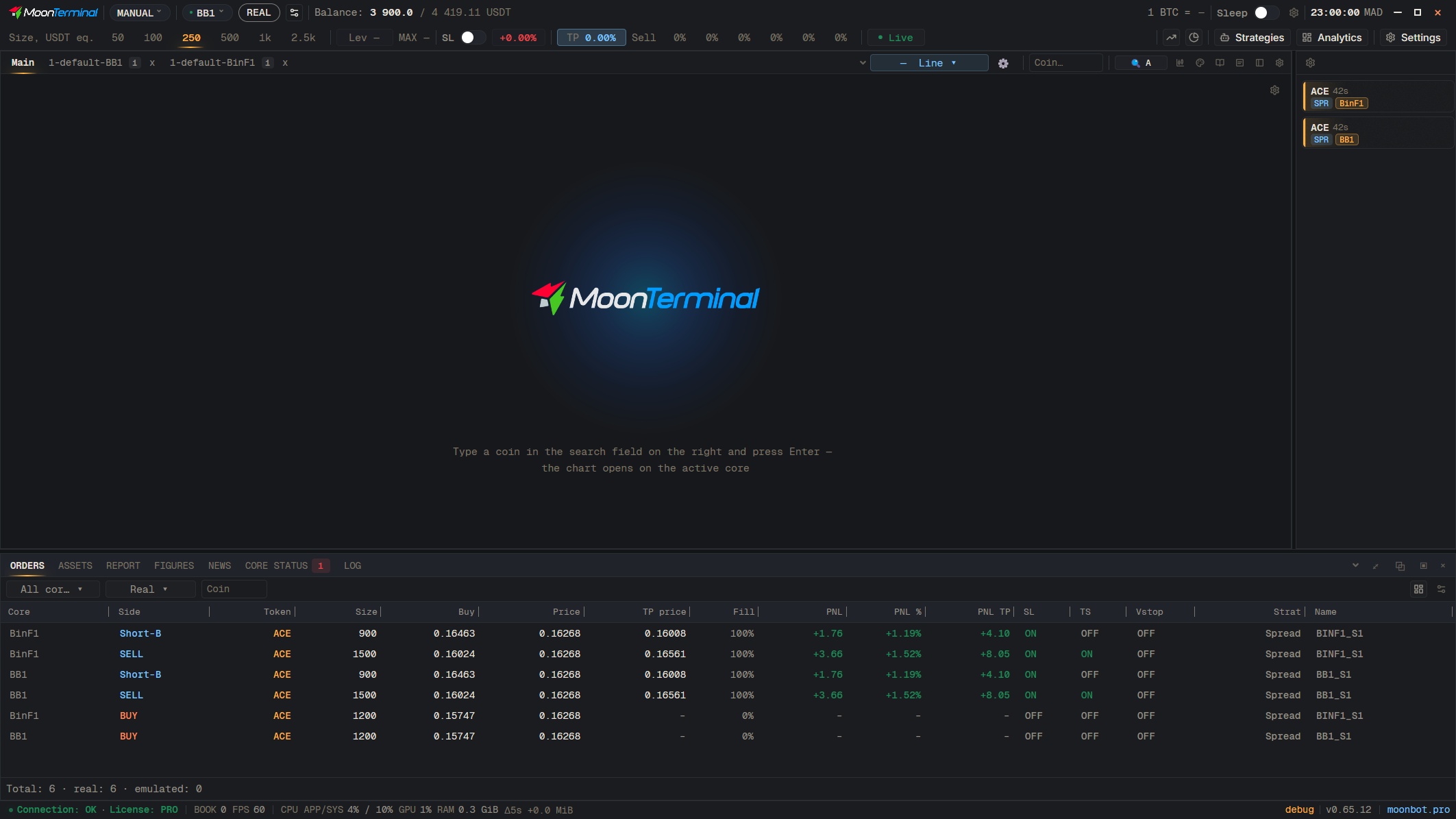
In each strategy, the field “Chart tab number” sets the tab for its detects: 1, 2, 3 are different tabs, the same number in two strategies gives one tab, and 0 means the detect does not go onto a chart. “How long it stays on the chart” is the chart's lifetime in seconds; 0 means forever. By default, one number across different cores gives different tabs; to merge the cores into one tab, untick “Separate chart tab for each core” in Settings → General. Double-click a tab to move it into a separate window.
- Strategies
- Strategy row — Pick from the list
- Type: Chart tab number — 1, 2, 3…