MoonTerminal · Chart ·
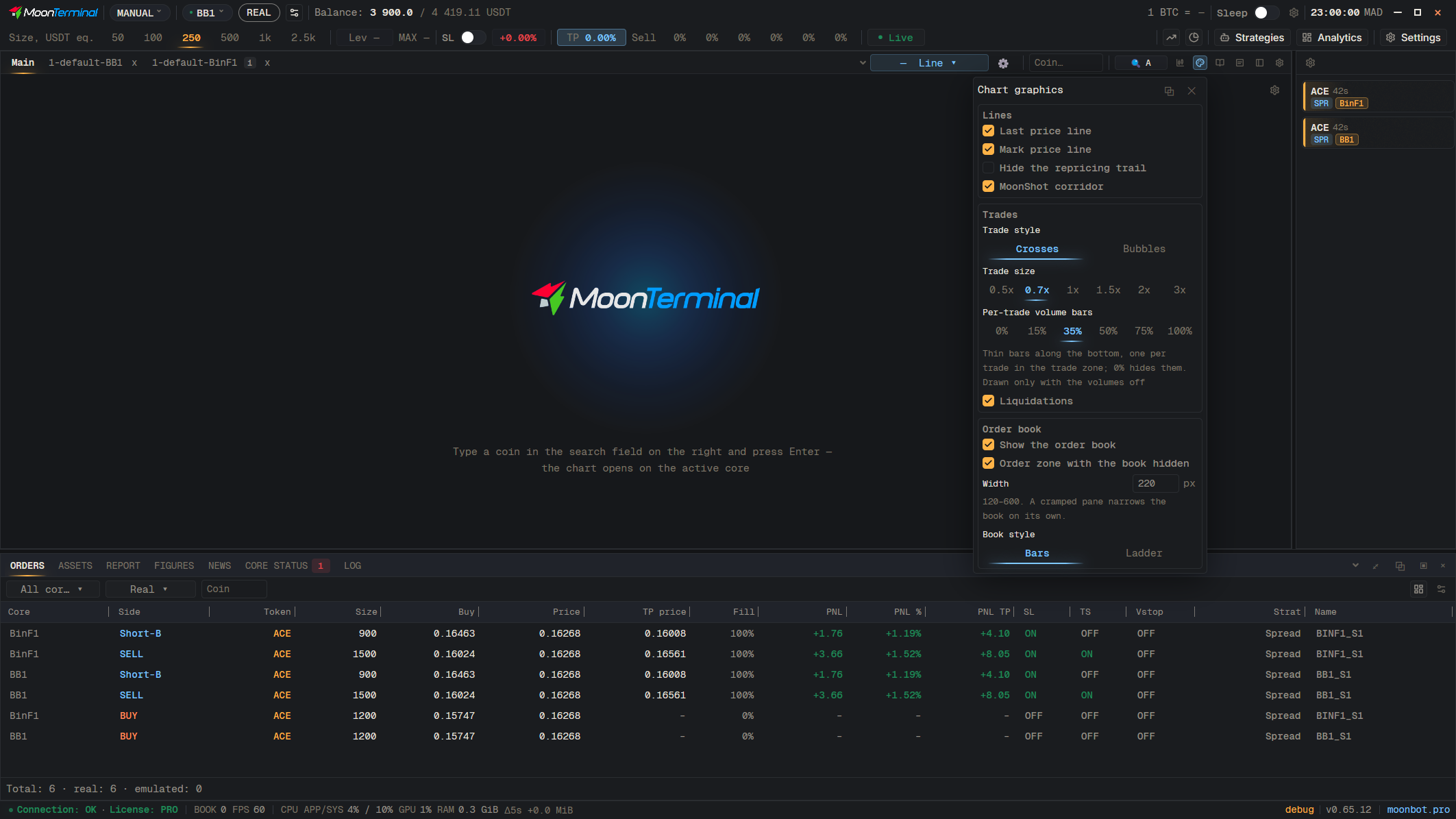
The strip along the right edge of the chart is the order zone: clicks in the order book and on the strip place and move orders. On the rest of the chart, double-clicking on an AddToChart tab opens the coin on Main. If the order book is hidden, the strip is shown by the “Order zone with the book hidden” checkbox; without the order book and without the zone, orders cannot be placed from the chart. Panning the chart in the order book zone is enabled by “Pan the chart over the order book” in Settings → General.
- Graphics settings
- Order zone with the book hidden — The “Order book” block