MoonTerminal · Chart ·
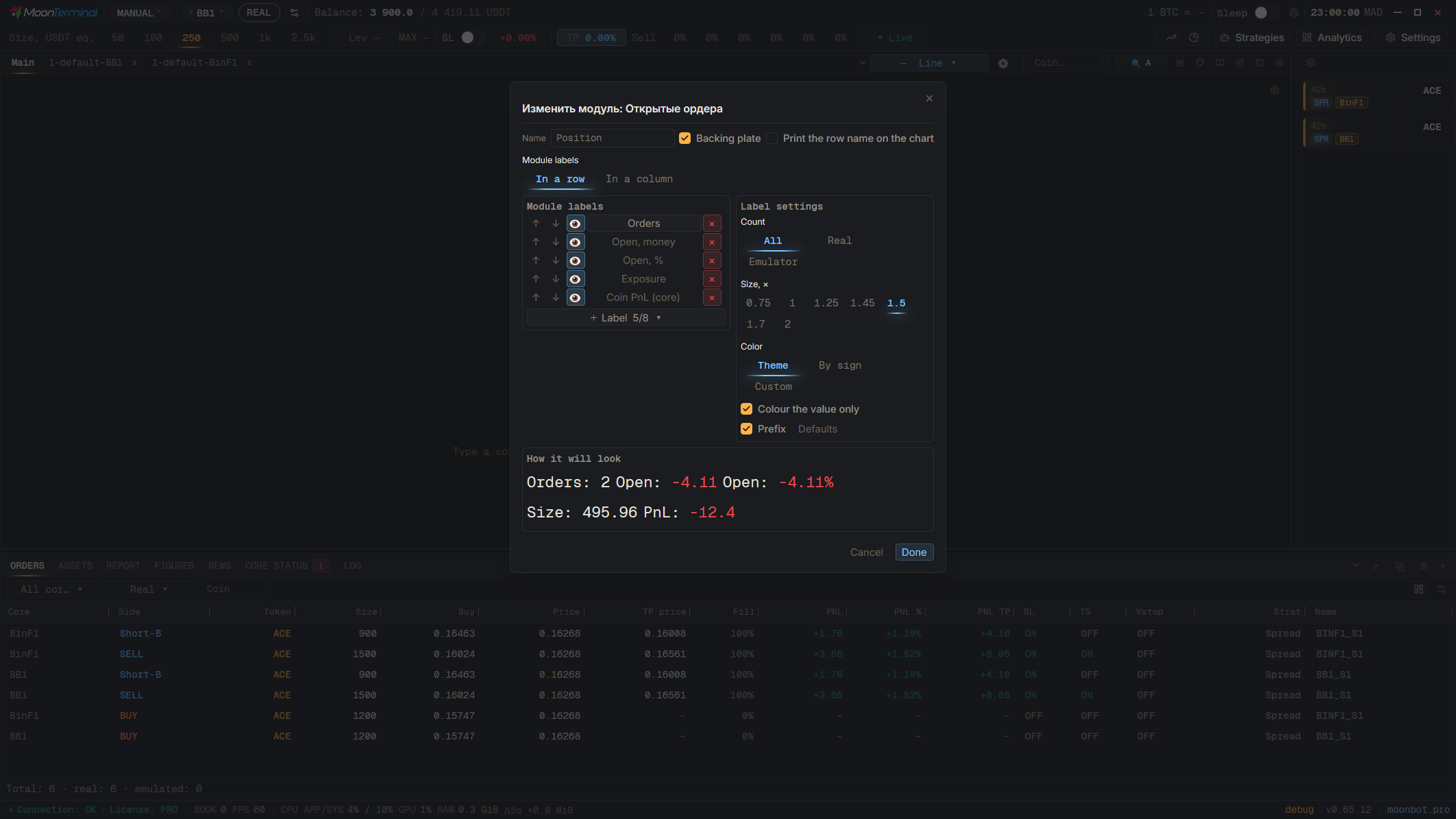
The button is added as a caption field: in “Caption settings”, open the module (“Edit module”), click “+ Label”, and in the “Buttons” group choose “Temporary ban button”. An open lock means the coin is trading; clicking it opens a menu of durations in hours and days. A closed lock means the coin is on the temporary blacklist; clicking it lifts the ban at once. The remaining time is shown by the “Temporary ban left” caption.
- Caption settings
- Edit module
- Add a field
- Temporary ban button — “Buttons” group