MoonTerminal · Detects and sound ·
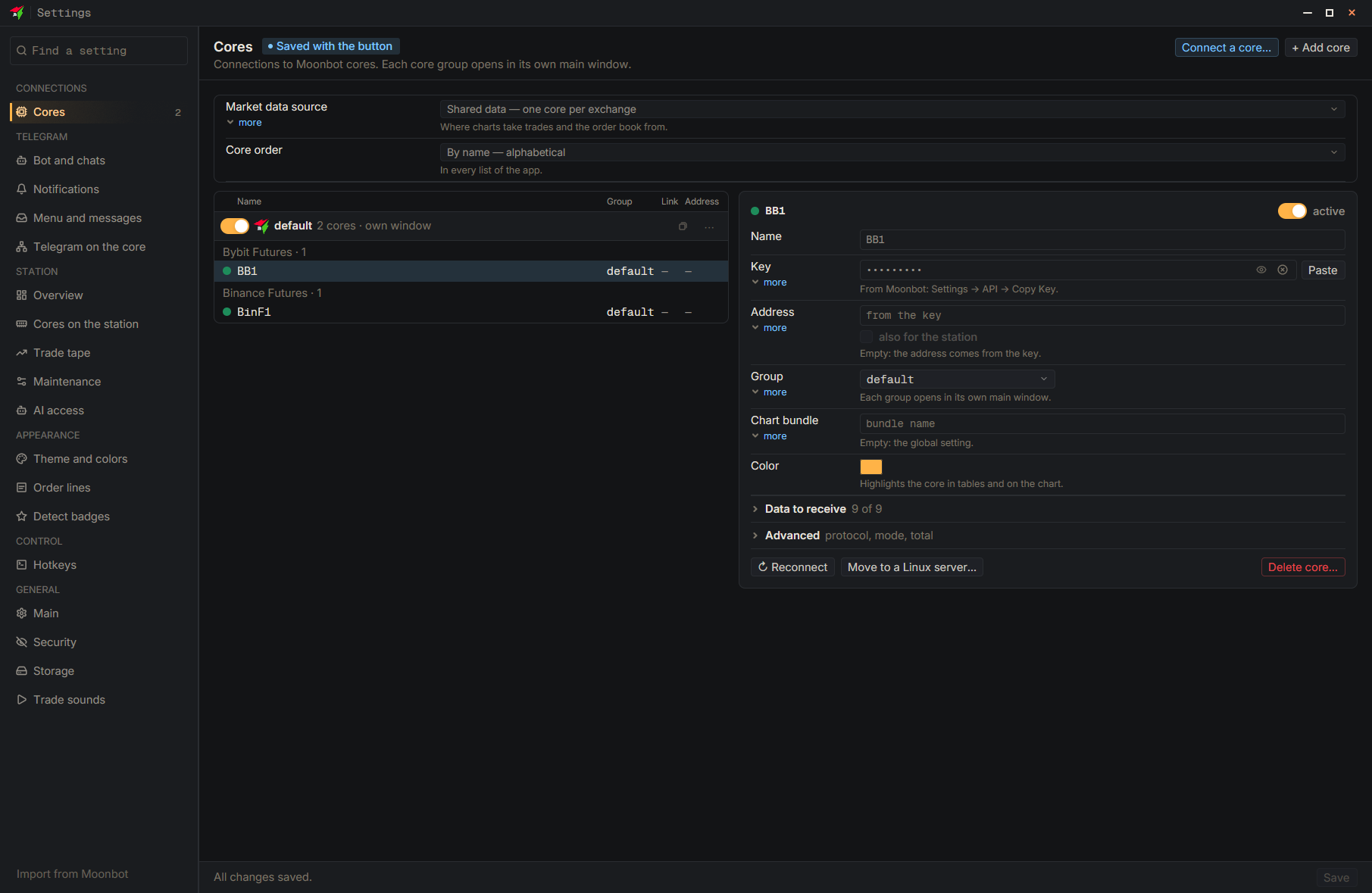
On the “Trade sounds” page each exchange has its own sound for opening and for closing; the “Preview” button plays the chosen one, and the “Silent” option mutes it. If a core has not reported its exchange yet, turn on “Show every exchange”. The page applies at once. The sound for a figure alert is chosen in the “Figures” tab (“Sound”), and the detect sound is set by the strategy.
- Settings
- Trade sounds
- Show every exchange — If the needed exchange is not in the table
- Open — Choose a sound in the exchange's row; “Preview” is next to it