MoonTerminal · Detects and sound ·
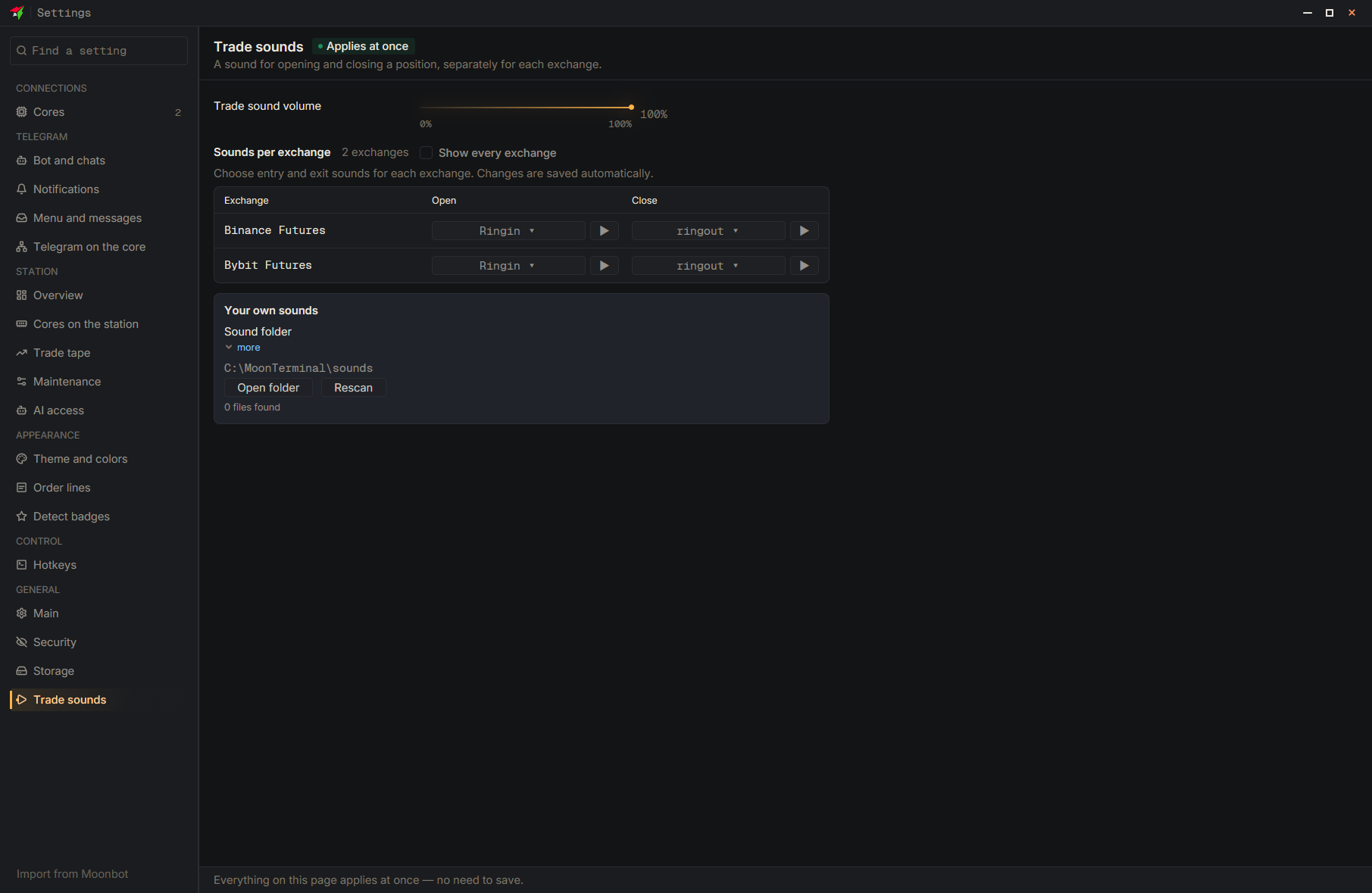
Put plain PCM WAV files (up to 8 MB each) into the sounds folder: next to the program on Windows, in the program's data folder on macOS and Linux. The “Open folder” button on the “Trade sounds” page opens it and creates it if it does not exist. After copying, click “Refresh”: the sounds appear in all selection lists. A file named like 19_Name.wav gets number 19 and is selected in the core settings by its number. On Linux sound playback is not available yet.
- Settings
- Trade sounds
- Open folder
- Copy the WAV files into the folder that opened
- Rescan