MoonTerminal · Reports and statistics ·
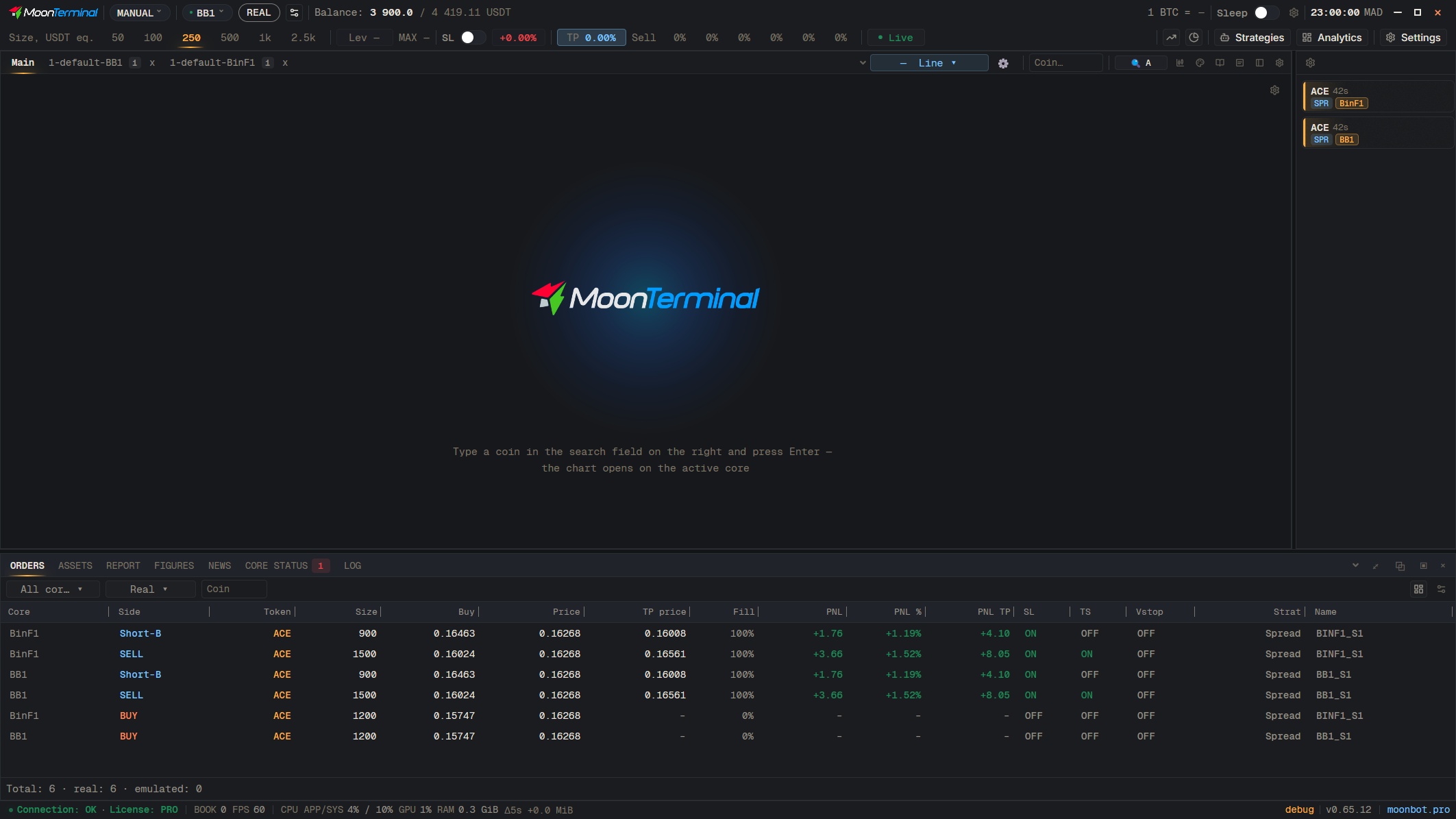
In the trade window, click ⚙ “Trade window view”: there you turn on “Mark price line”, “Last price line”, “MoonShot zone” (the MoonShot entry corridor, off by default), “Trade captions on the chart” and “Load ticks”. These settings apply at once to all trade windows. Neighbouring trades are added with the “Show other trades” button in the window itself.
- Report
- BB1 ACE LONG Auto Price Down — Double-click opens the trade window
- Trade window view — The ⚙ icon in the trade window header
- MoonShot zone — Also “Mark price line” and “Last price line”