MoonTerminal · Reports and statistics ·
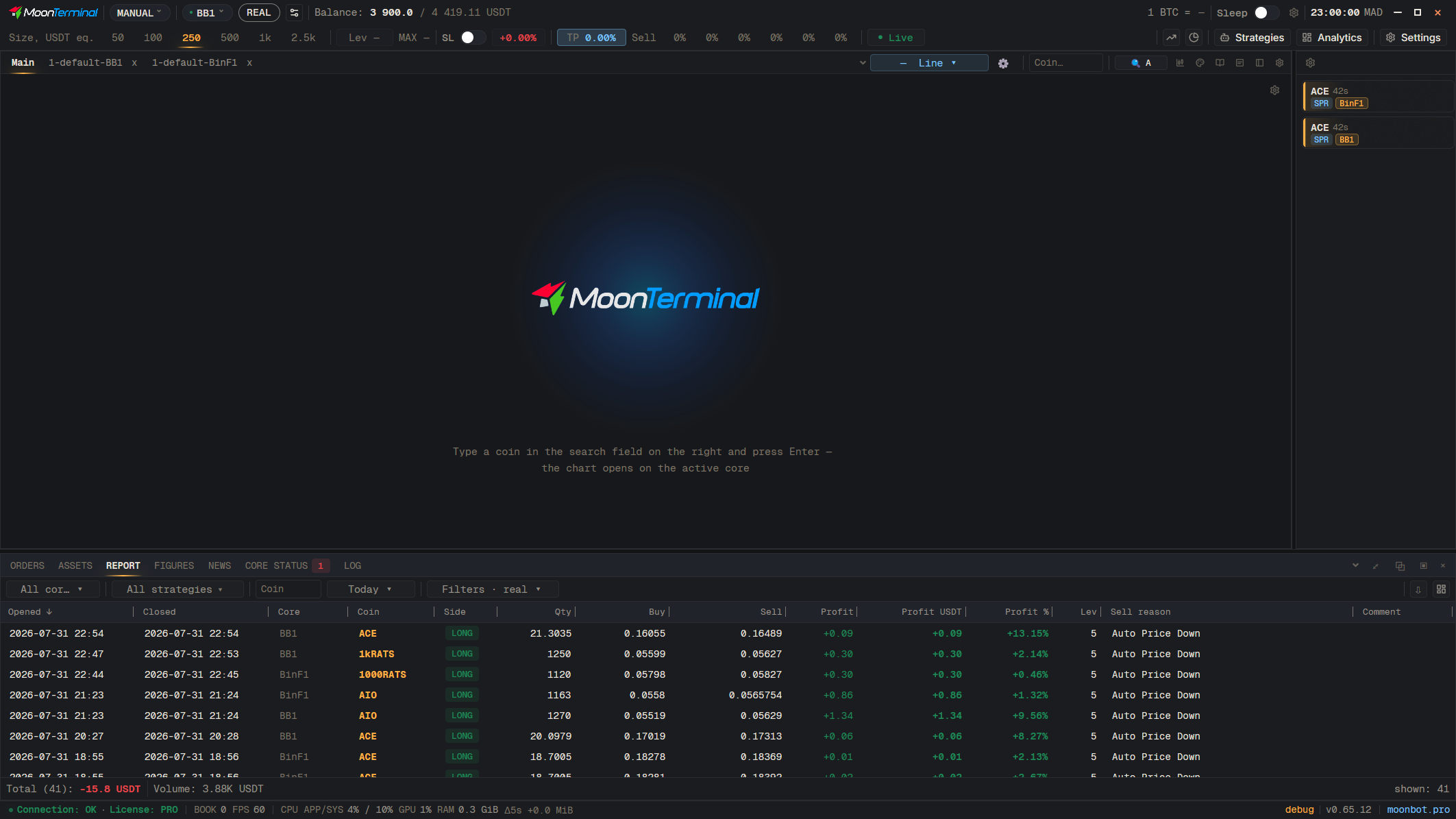
In the Report, open the core selector, tick the needed cores, choose “Save selection as group…”, enter a name and press “Create”. The group appears in the “Core groups” section of the same list, and “Manage groups…” lets you rename or delete it.
- Report
- All cores — Tick the needed cores
- Save selection as a group — The item at the end of the core list
- Type: Group name — Enter a name
- Create