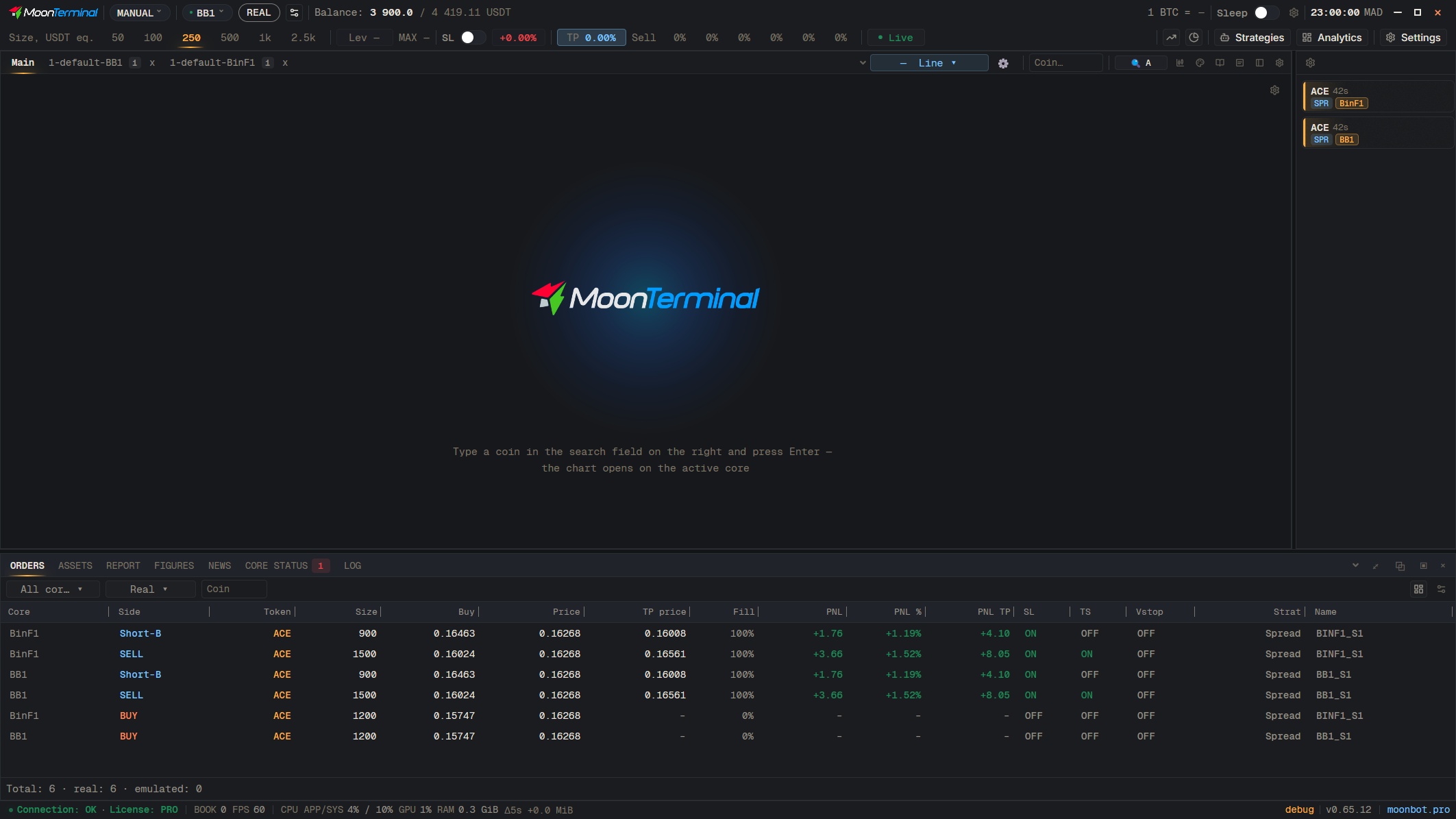
MoonTerminal · Strategies ·
Copying in the terminal puts text with [Strategy] blocks (Kind, Path, Name and the fields) into the clipboard. It is meant for pasting into the terminal: right-click a folder or core and choose “Paste here” or “Paste to all visible cores”. The terminal also understands Moonbot export text with ##Begin_Strategy blocks when you paste it. Nested folders are written in the text as one Path line with slashes.
- Strategies — Button in the toolbar
- Right-click: Folder or strategy
- Copy
- Right-click: Destination folder or core
- Paste here — Or “Paste to all visible cores”