MoonTerminal · Strategies ·
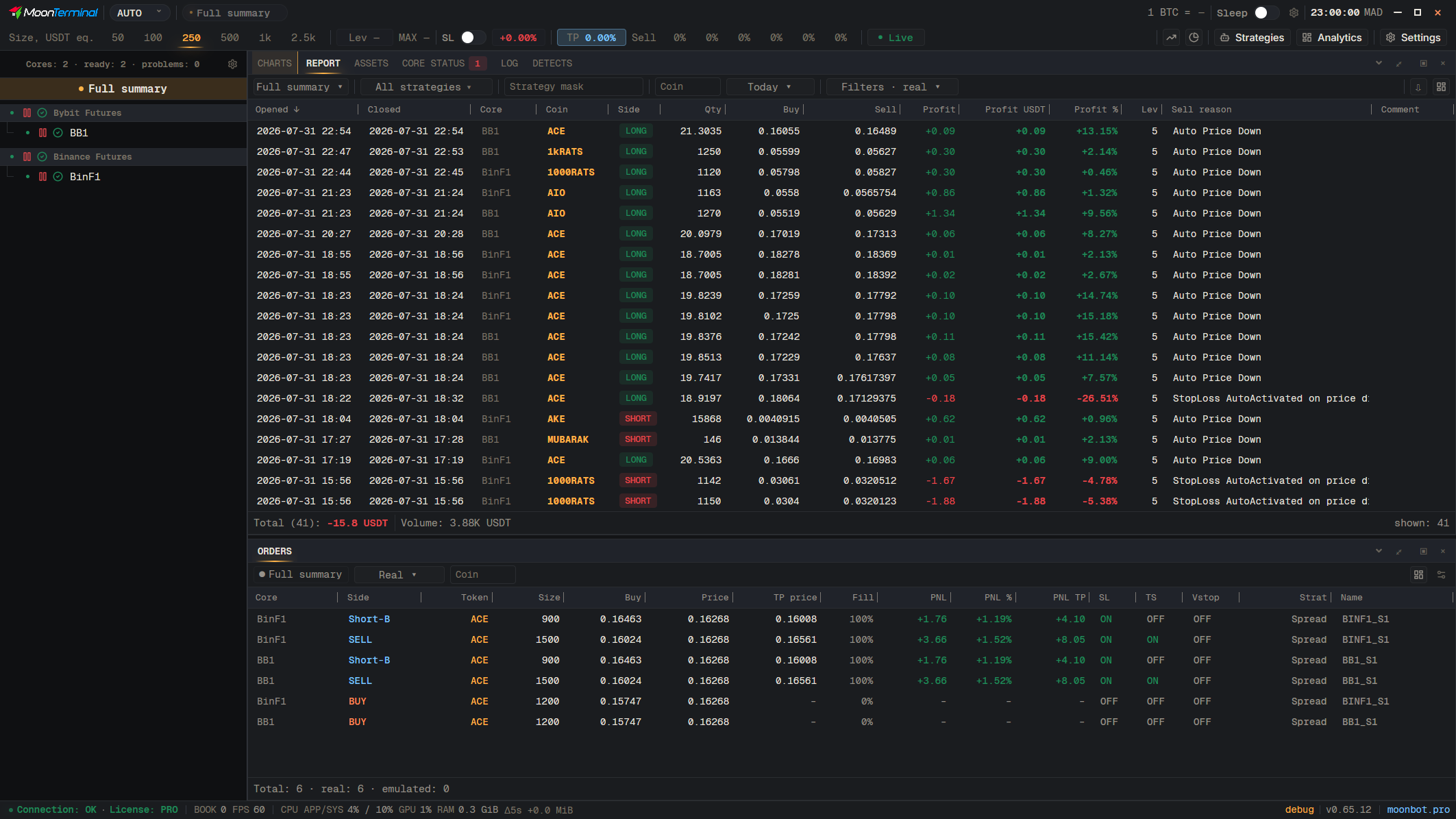
In AUTO mode the Strategies window shows only the core selected in the list of cores on the left. To see the strategies of all cores, select “Full summary”, the first row in that list.
- MANUAL — Open the mode list
- AUTO mode — Turn on AUTO: a list of cores appears on the left
- Strategies — “Full summary” is selected in the list on the left, so the window shows all cores. If a core is selected, only that one is shown