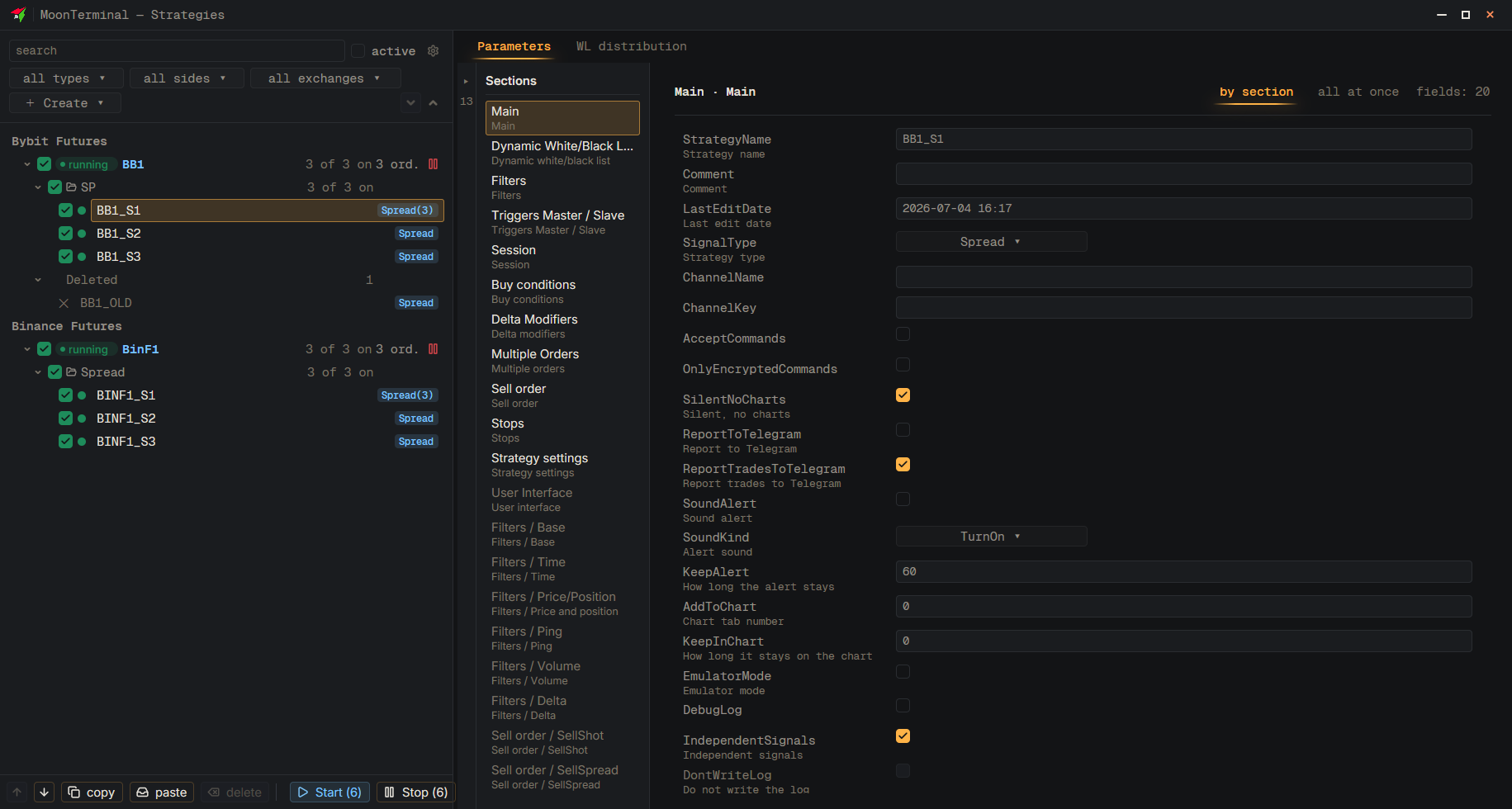
MoonTerminal · Strategies ·
Moving a folder works only when that folder alone is selected and no strategy is selected. So first press Escape to clear the selection, then click the folder and press “move up in folder” or “move down in folder” at the bottom of the window, or Ctrl+Shift+↑ / ↓, or right-click and choose “Move up” / “Move down”. An empty folder does not move: it has no position.
- Strategies — Button in the toolbar
- Escape — Clear the strategy selection
- Folder — In the tree
- move up in folder — Or “move down in folder”, Ctrl+Shift+↑ / ↓