MoonTerminal · Settings and interface ·
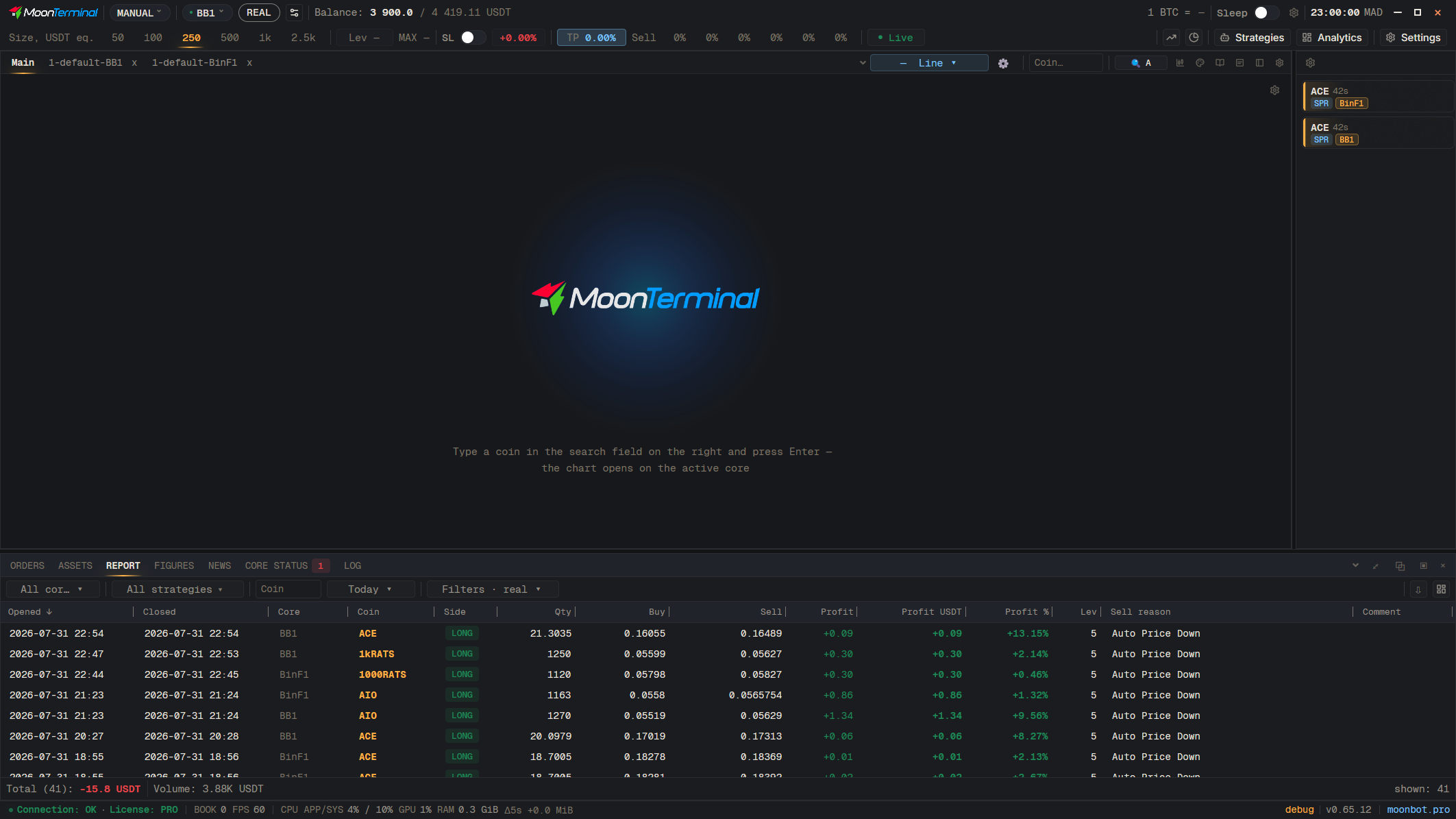
Columns are reordered by dragging the header, and the width is changed by pulling the right edge of the header: it is marked with a line in the header, and when you hover over it, the line becomes a colored strip. Widths, order and the set of columns are saved separately for the tab in the dock and for a separate window, so after a restart the table looks the same. The “Reset column widths (auto)” button returns the widths to auto-fill; the same button is in the Report, Assets, Figures and Core status. Clicking a column name sorts the table.
- Report
- Drag: Column resize edge — Drag right or left
- Reset column widths (auto) — Button in the header of the Report tab