MoonTerminal · Settings and interface ·
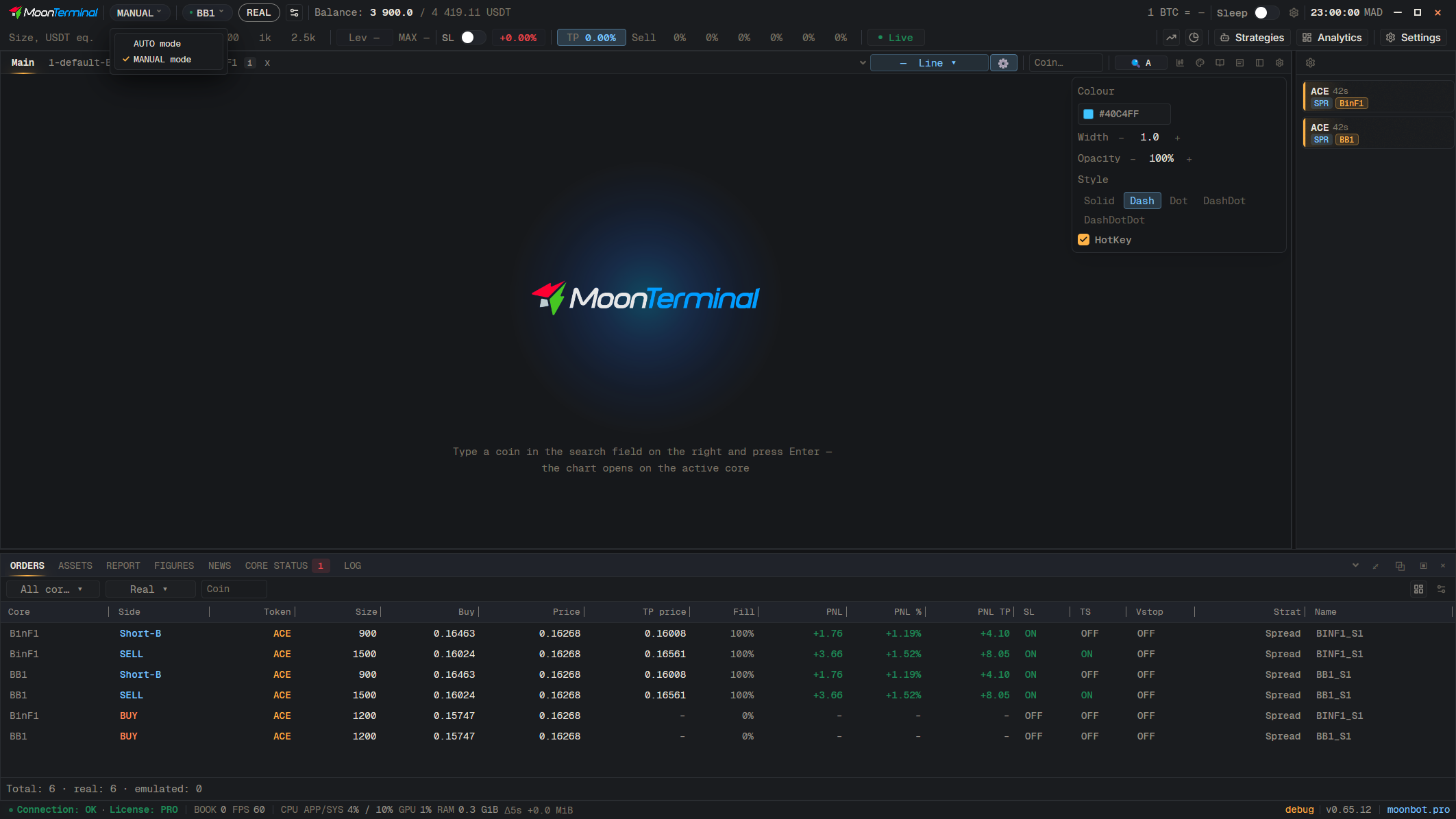
MANUAL is the manual mode: each server has its own layout, which you can change, and you can detach panels into windows. AUTO is the workspace for auto trading: the layout is shared across all servers, and detaching windows is turned off. The mode is switched with the badge in the header; in Settings → Cores you set, for each core, in which mode it is shown in the lists.
- MANUAL — Open the mode list
- AUTO mode — Turn on AUTO: a list of cores appears on the left