MoonTerminal · Drawing tools ·
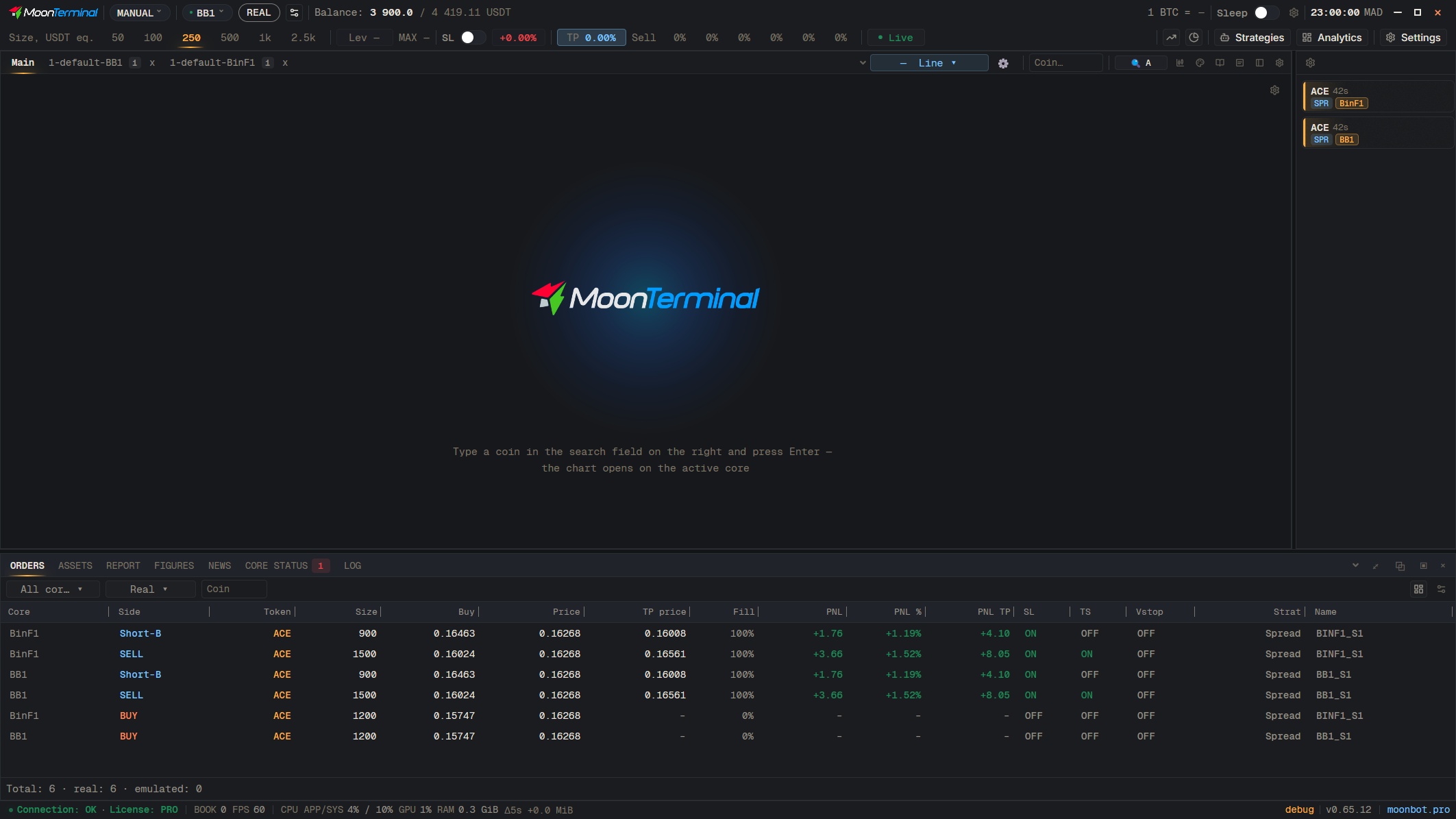
“Tool settings” (the gear) set the style of the next figure: color, opacity, thickness, line type, fill. They do not recolor figures already drawn. To change a figure that is already on the chart, right-click it: the same settings panel opens, but for that figure only.
- Tool settings — Style for the next figure
- Right-click: Figure on the chart — Right-click: settings for this figure only