MoonTerminal · Drawing tools ·
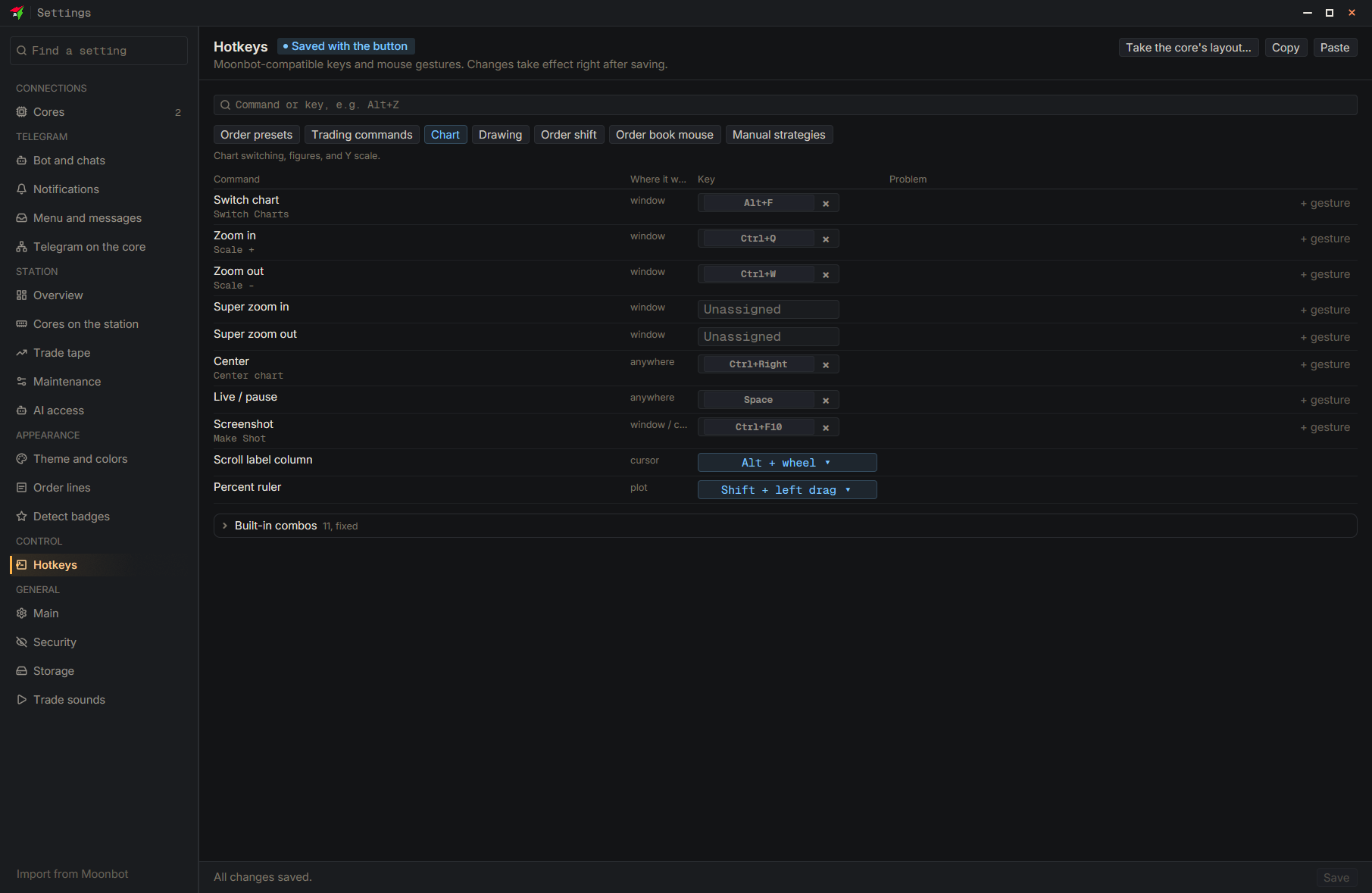
Hold Shift and drag across the chart with the left button: the ruler shows how far the price moved in percent, over what time, and how much was bought and sold. Release the button and the ruler disappears; no figure is left behind. The key (Shift, Alt, Ctrl or off) can be changed in “Percent ruler”.
- Drag: Shift + left mouse button — Drag across the chart
- Settings
- Hotkeys
- Chart
- Percent ruler — Choose the key
- Save — At the bottom of the settings window