MoonTerminal · Screener and panels ·
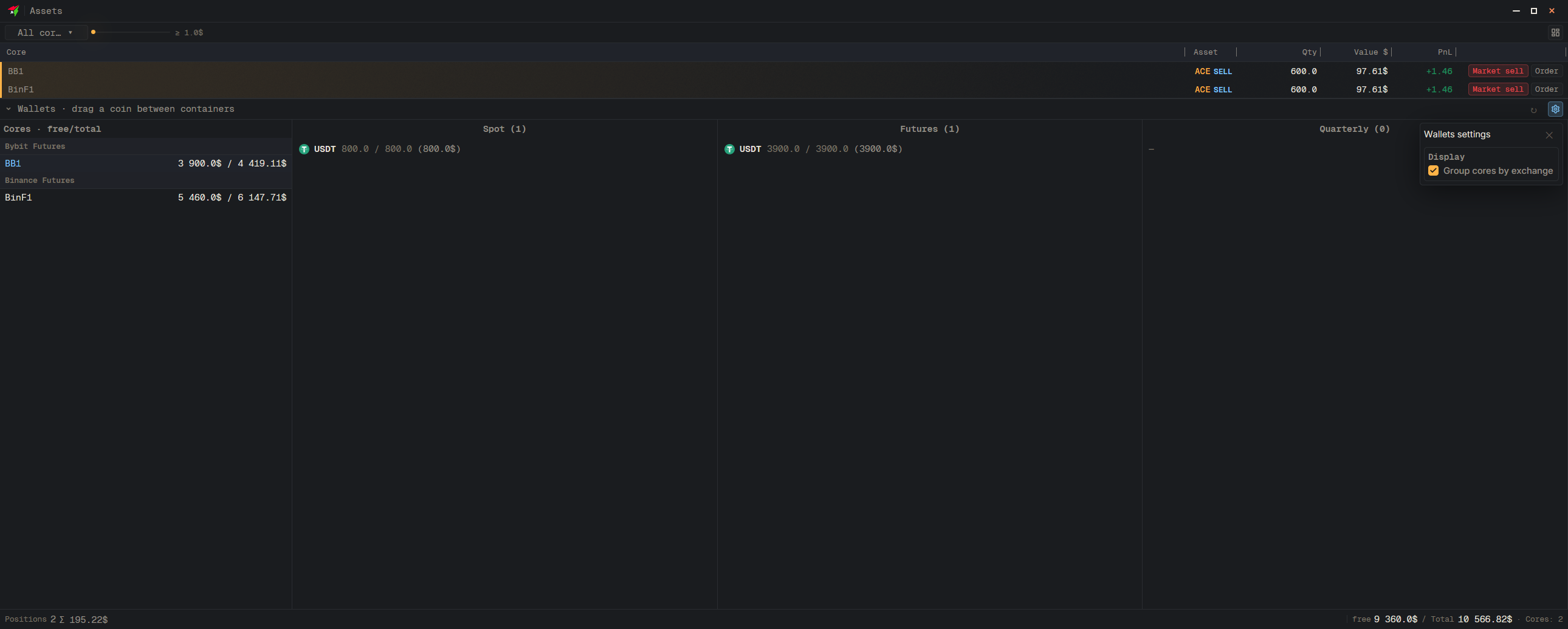
Open Assets in a separate window, click the gear icon “Wallets settings” and turn on “Group cores by exchange”. You can change the width of the list column by dragging its edge; double-clicking resets the width.
- Assets
- Open Assets in a separate window (all cores)
- Wallets settings — Gear icon next to the refresh button
- Group cores by exchange — Tick the box