MoonTerminal · Installing and updating ·
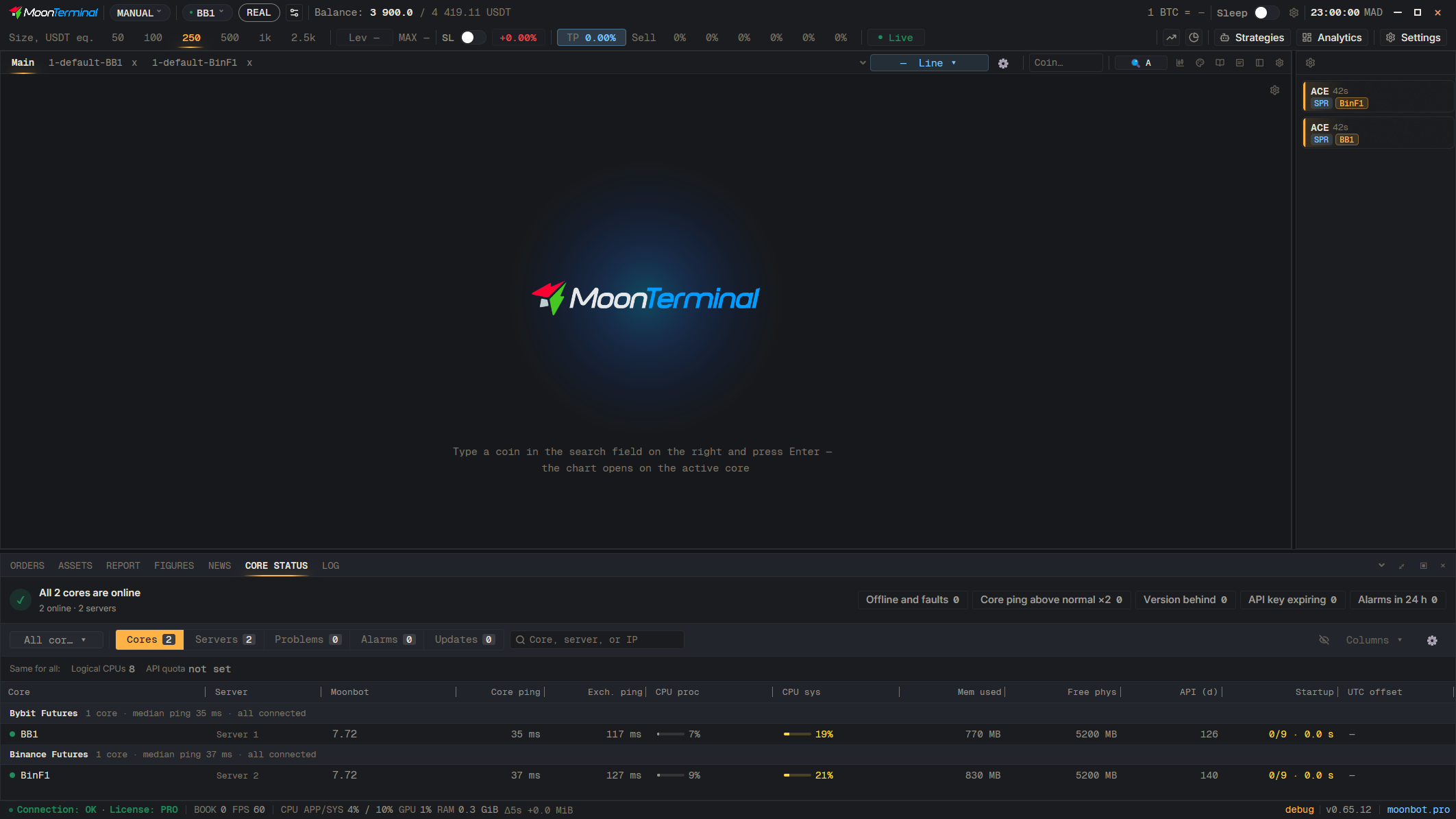
Open “Core status”, the “Updates” mode, and at the bottom press “To a build…”, or right-click the core and choose “Update to a named version…”. Enter the build name: “MoonBot-L5”, “InstallTestVersion MoonBot-L5” and “InstallTestVersion MoonBot-L5 ALL” all work, but the word ALL does not add any cores: only the cores in this window get updated. The core downloads the build and restarts. The “Update to release” and “Update all to release” buttons install the release package and replace the test build.
- Core status
- Updates — Select “Updates” in the mode switch
- To a build… — Button at the bottom; the build name is entered in the window