MoonTerminal · VPS and Linux ·
If your provider gave you a password, you do not need a key: leave “Log in with a key” unticked and enter the password. The grey “root” in the “Login” field is the default value: with the field empty, the terminal logs in as root. If your provider gave you a different login, click the field and type it in. The “Server IP address” field needs an address of four numbers. If the server only accepts key logins, tick “Log in with a key” and choose the private key file via “Browse…”; the “Password” field turns into “sudo password” (needed for a non-root user).
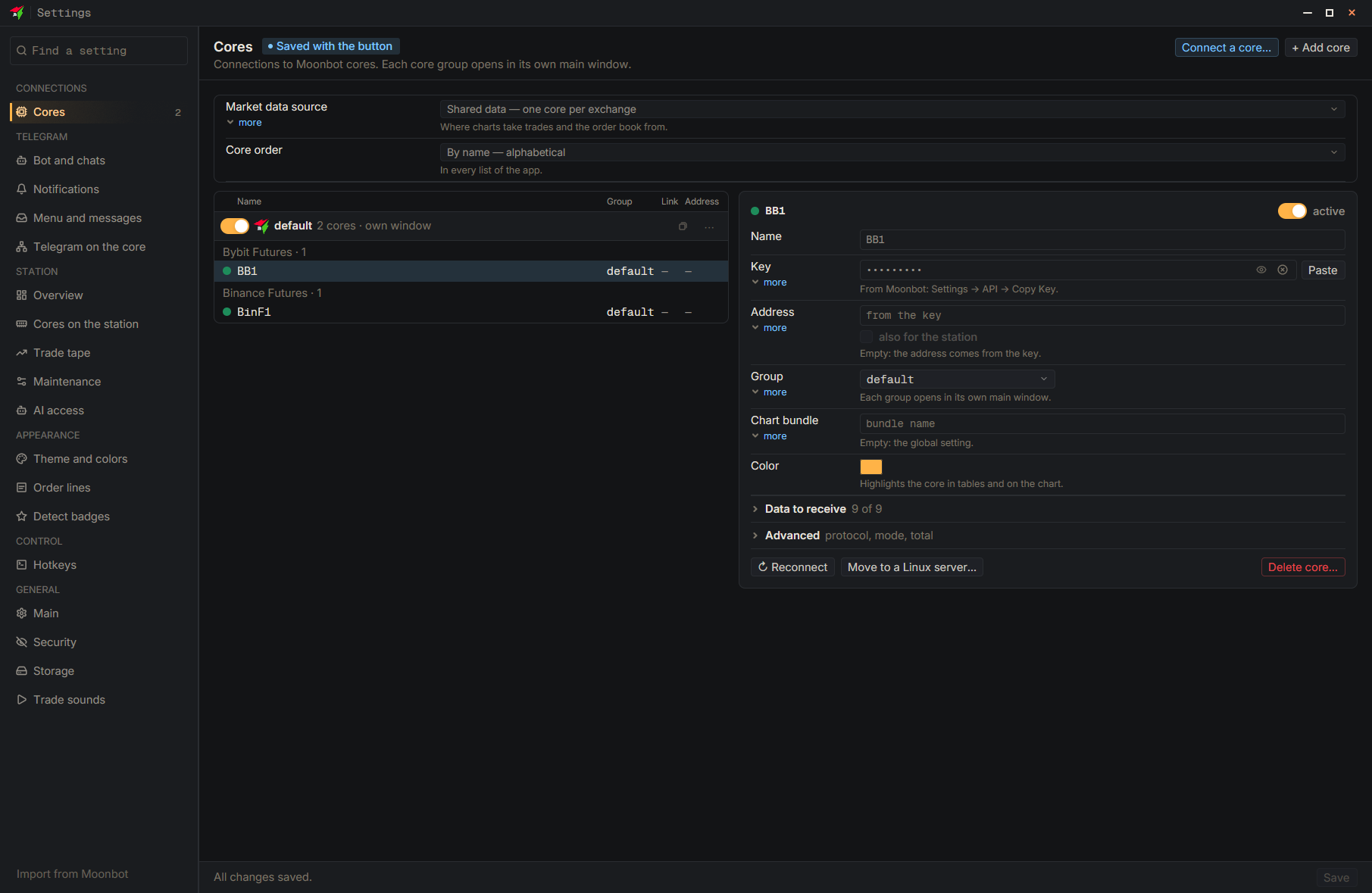
- Settings
- Connect a core…
- New core on a Linux server — First screen of the wizard
- Type: Server IP address — An address of four numbers
- Type: Login — Enter the login from your provider
- Check the server