MoonTerminal · Connecting cores ·
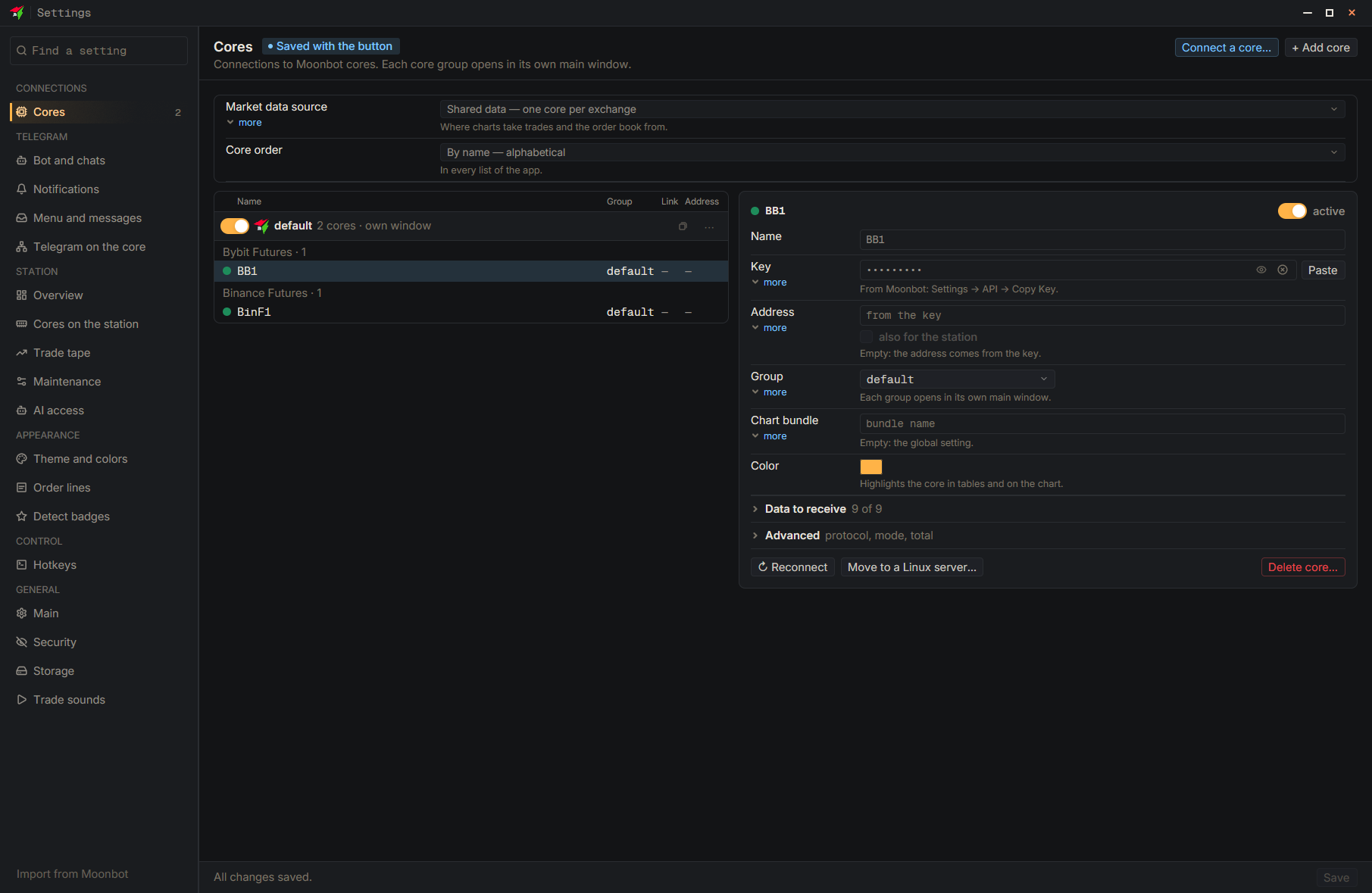
The “Connect a core…” wizard installs the core on your server itself (Ubuntu 24.04 or newer, or Debian 13 or newer, x86-64, at least 1 GB of memory): you need the VPS IP, login and password. It checks the server, installs the service, accepts the exchange API keys and connects the terminal. The new core starts in the emulator: you turn on real trading yourself. If the terminal could not reach the core, most often the port is closed in the hosting provider’s panel.
- Settings
- Connect a core…
- New core on a Linux server — The wizard’s first screen
- Type: Server IP address — Data from the hosting provider’s email, for example 203.0.113.10
- Check the server
- Install the core — Accept the Moonbot user agreement
- Connect the exchange — Select the exchange and paste the API keys