MoonTerminal · Order book ·
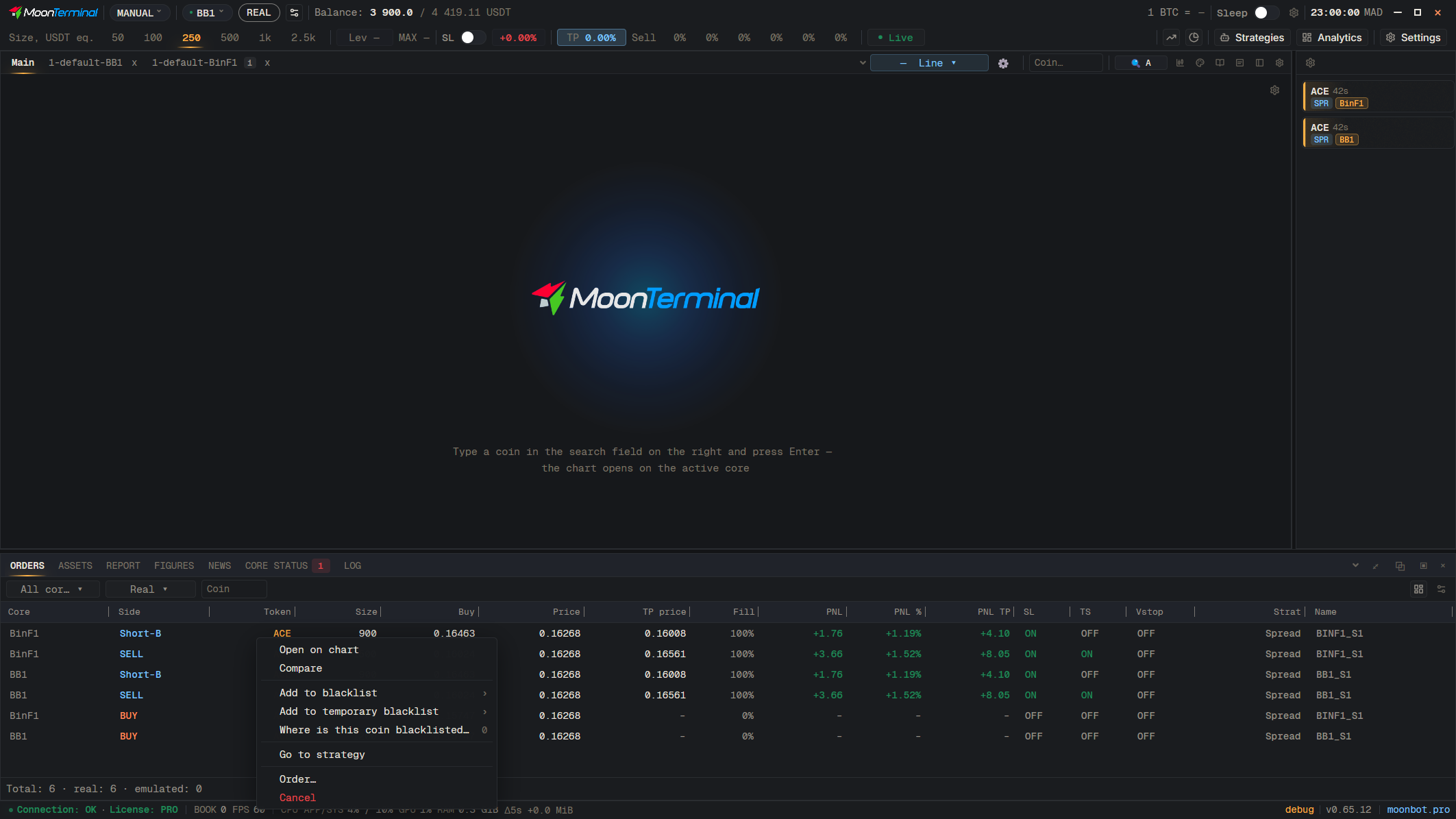
Right-click the coin in “Orders”, “Assets” or “Report” and choose “Compare”: a tab opens with all the charts of this coin. Right-clicking a detect card opens the same tab straight away, and in the “Arbitrage” block on the chart a right-click on the exchange name does the same. The leading chart has a lock (“Comparison: make this chart the price leader”), and the broom leaves only the order books on the others. The comparison tab is remembered after a restart.
- Right-click: Coin ticker — Right-click the coin
- Compare — Opens a comparison tab
- Broom — Hint: “Leave only order books on the other charts”